
AI SummaryCurated from 1 authoritative source
Google's step-by-step fix for Unrestricted keys before the June 19, 2026 deadline.
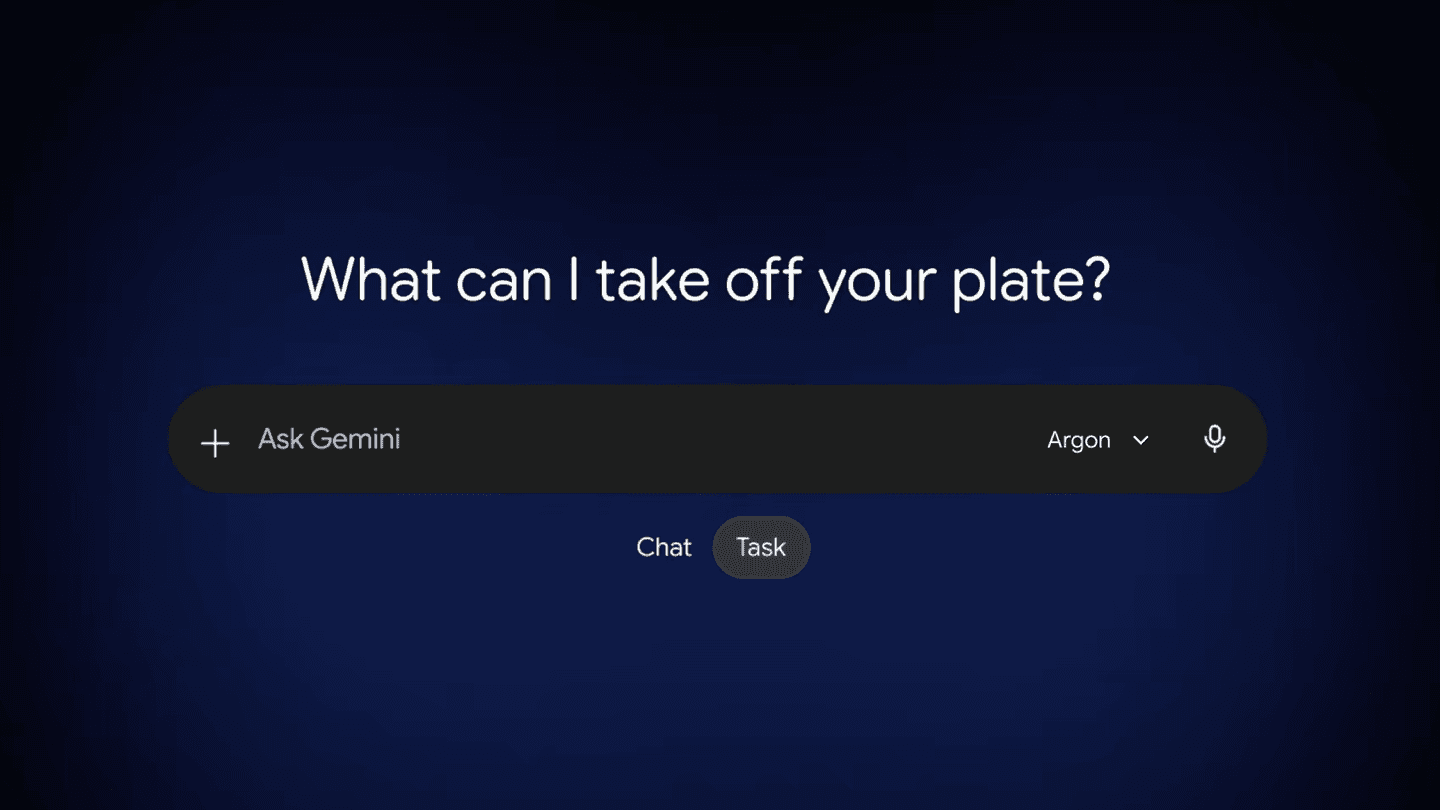
Google AI Studio labels risky keys as Unrestricted and asks developers to secure them before June 19, 2026. In AI Studio, hover the Unrestricted tag on the API Keys page, click Add restrictions, and choose Restrict to Gemini API only. Alternatively, open Google Cloud Credentials, select the key, and under API restrictions limit it to the Generative Language API (generativelanguage.googleapis.com). New keys created in AI Studio are restricted by default—only older or imported keys typically need this fix.
Original Sources
Disclaimer
This is an AI-summarized article from authoritative sources. If you want your content removed, please .